FUMA F1 PRO · ENTERPRISE WORK PHONE

One phone.
One digital team.

Five digital roles for sales, operations, support, design, and training ship with the phone. One employee work phone now covers acquisition, content, customer follow-up, and enterprise management.

05 digital roles7×24 always on01 management loop
FUMA F1 PRO enterprise work phone

Not another stack of tools.
Five roles built into one phone.

FUMA AI has worked in audio, video, and enterprise communications since 2017. The five roles coordinate around the business process: AI handles repeatable execution while people focus on relationships, judgment, and closing.

ENTERPRISE MANAGEMENT

From employee execution
to business review.

From daily execution to customer handover, productivity, management performance, private-domain growth, asset retention, and business transparency operate in one enterprise workflow.

01 / Employee productivity

Every employee gets
an AI work assistant.

Five digital roles for sales, operations, support, design, and training ship with the phone and are ready for daily workflows.

Five roles, ready on day one
  • Automated sales calls, intent scoring, and follow-up reminders
  • Topics, copy, posters, and short videos for operations and design
  • Customer responses, account care, and script practice for support and training

Employee holding FUMA F1 PRO with an AI work interface
One employee, one AI work assistant
02 / Management performance

Calls and chats become
daily decision reports.

With authorization, calls and chats are archived and analyzed for customer intent, commitments, risk signals, and script quality, producing review points the team can act on.

Reviewable process, earlier risk alerts
  • Team overview, new intent, and opportunity alerts
  • Alerts for over-promising and off-platform transactions
  • Winning-script extraction and targeted coaching
Service team reviewing calls and customer records
Conversation records feed team review and coaching
03 / Asset retention

When people leave,
customer context stays.

Customer profiles, conversations, opportunities, and commitments are archived. The company can transfer accounts and service progress during staffing changes.

Customer data stays with the company
  • Customer profiles, conversations, and commitments stay archived
  • Customer accounts and active opportunities transfer together
  • Recovered devices can be erased under company policy
Store staff reviewing customer and order information on a tablet
Customer context and service progress remain with the company
04 / Business transparency

AI usage and business results
map back to each employee.

Calls, content output, customer follow-up, and closed business roll into one set of records for process and outcome reviews.

Daily reports and detail are traceable
  • AI usage and output remain traceable
  • Business results are attributed by employee instead of compiled manually
  • Script compliance, follow-up timeliness, and adoption can be reviewed
Managers reviewing business records and planning the next step
Process and results enter the same business review

Four daily workflows,
from first touch to repeat purchase.

The hardware is the vehicle.
The roles are the product.

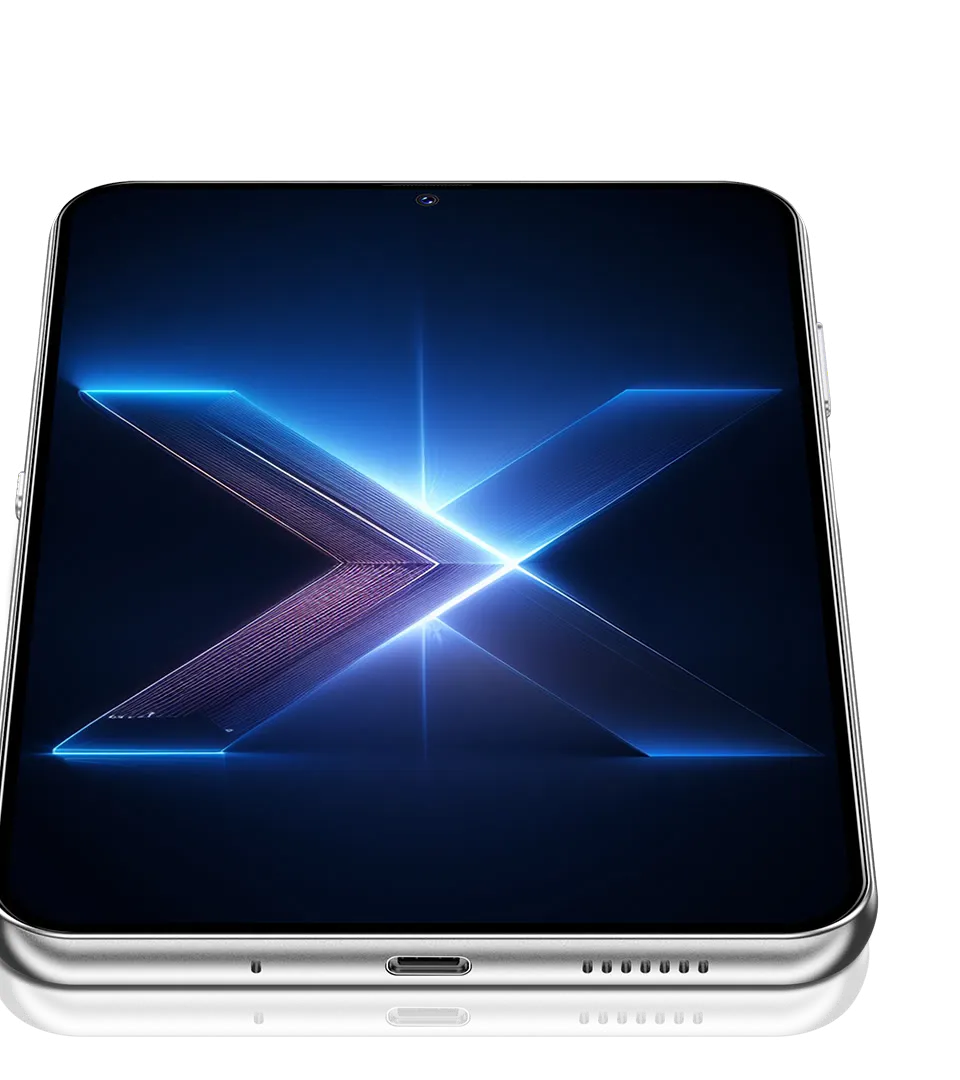
A 6.38-inch 16:10 wide display, 90Hz refresh rate, MTK G99 octa-core processor, and generous storage keep high-frequency communication and content work stable.

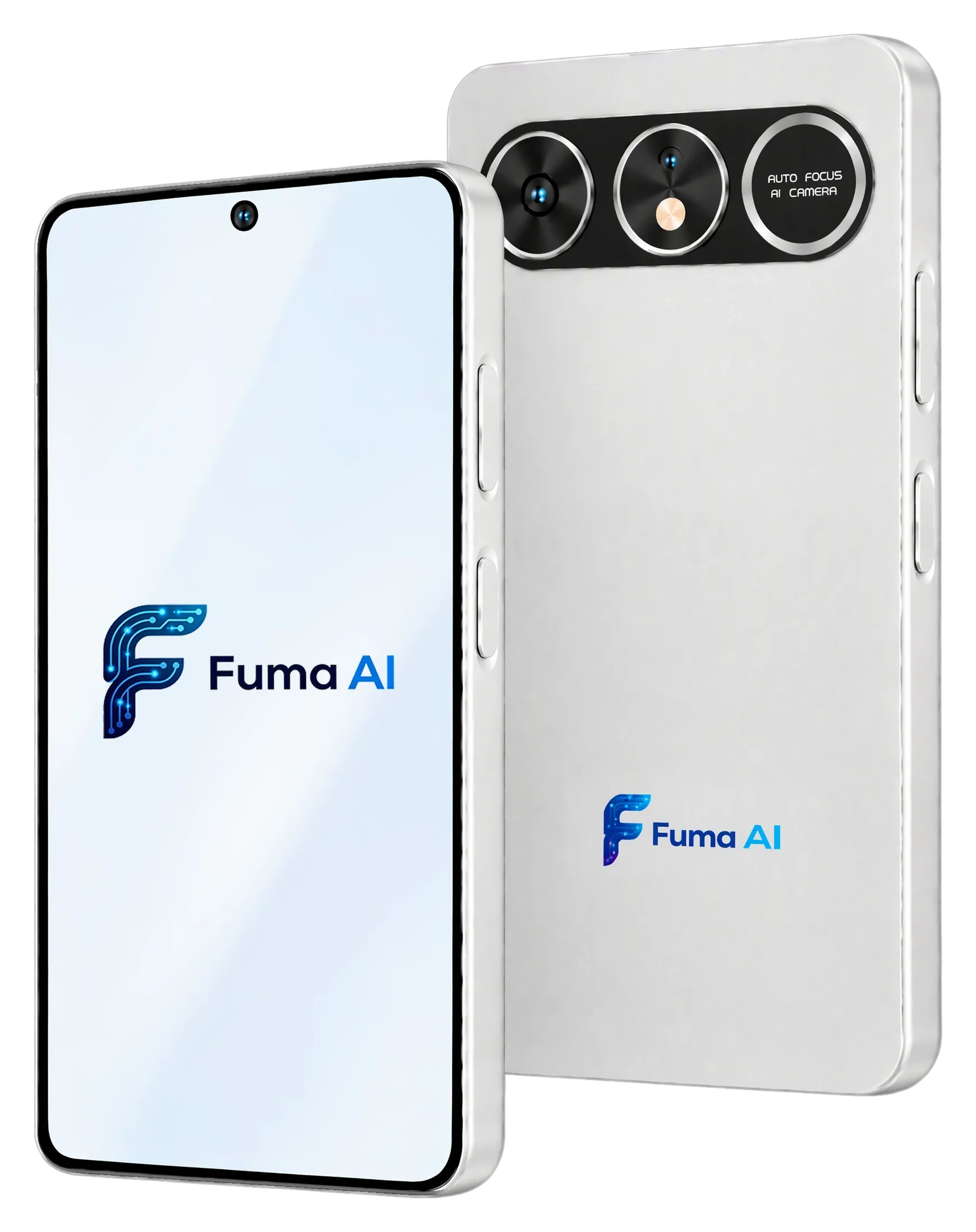
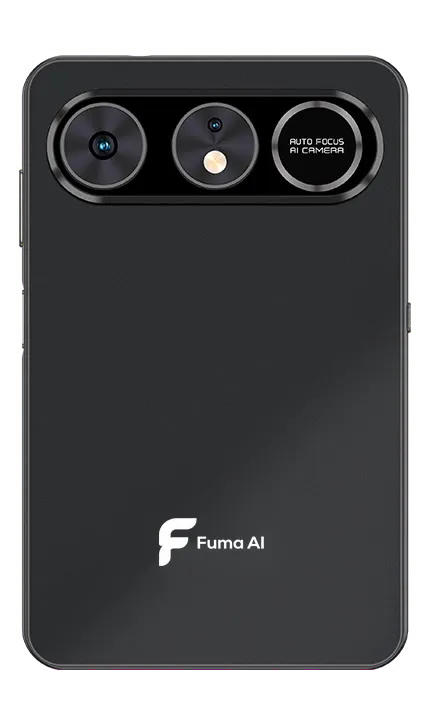
FUMA F1 PRO in Rock Black
6.38"90Hz wide display
COLOR / Rock Black

Built for high-frequency work.
A phone that feels right.

A large screen for content, dual SIM for customers, all-day battery for calls and shooting, and stereo speakers for meetings and speakerphone use. A work phone should be a great phone first.

6.38"16:10 TFT HD / 90Hz
G996nm octa-core
50MPLight-sensitive main camera
4600mAh battery
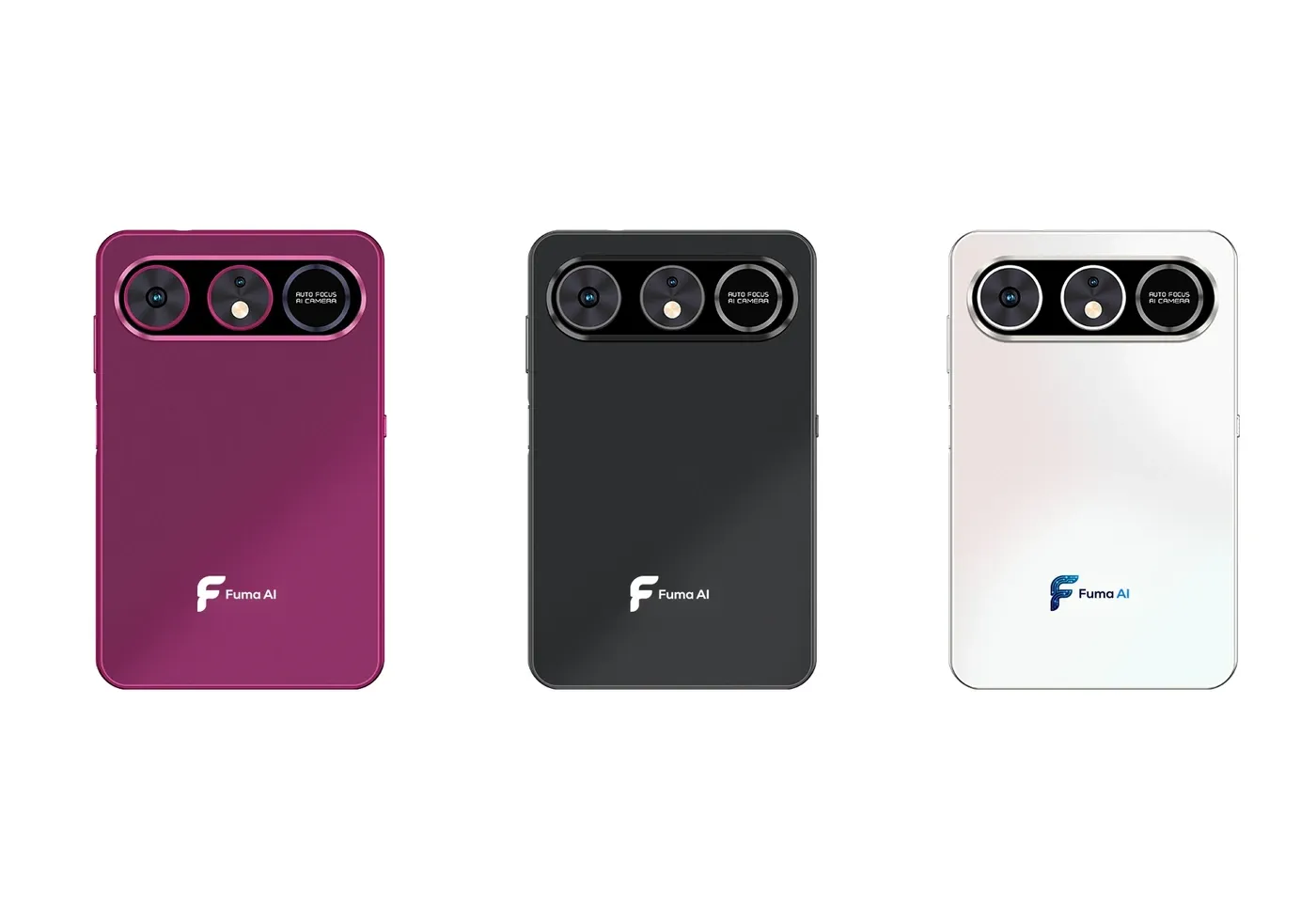
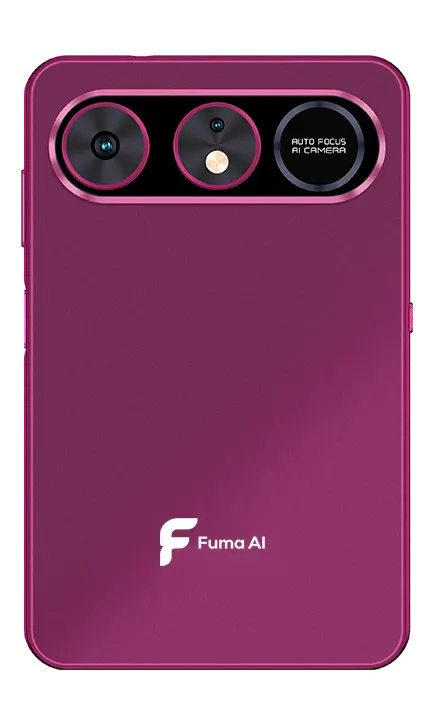
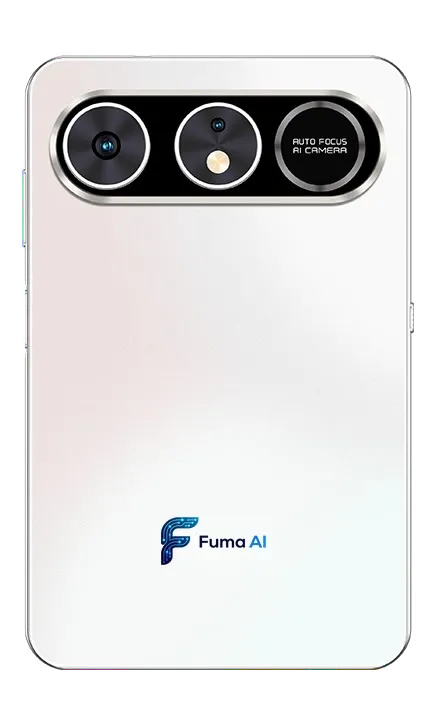
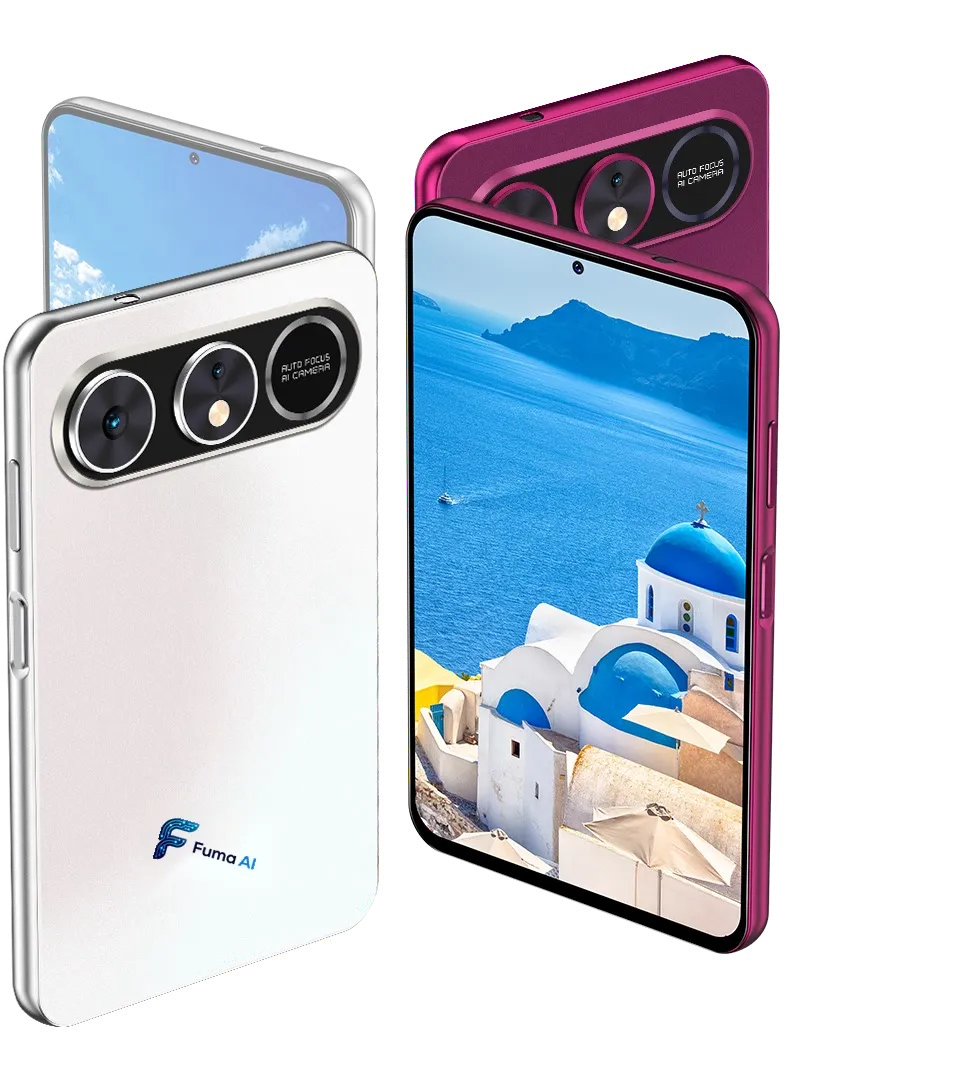
FUMA F1 PRO in Magenta, Rock Black, and Silver
TIMELESS DESIGN

A full-width camera bar
that speaks before you do.

Rock Black, Magenta, and Silver support a consistent company image while giving employees room for personal preference.

Technical specifications

Features and specifications are subject to final availability and project configuration.

Display6.38-inch TFT HD

16:10 wide ratio and 90Hz adaptive refresh rate

ProcessorMTK G99

6nm octa-core, up to 2.2GHz

Memory / StorageUp to 12GB + 256GB

LPDDR4X + UFS 2.2, up to 256GB expandable storage

Battery4600mAh

All-day calls and shooting, one charge per day

Camera50MP

Light-sensitive main camera with clearer night images

NetworkDual SIM

4G all-network support

SystemAndroid 16.0

Split screen and app cloning

Body150.3 × 94.5 × 8.95mm

Side fingerprint unlock and eye comfort mode

Before you buy,
the questions teams ask most.

For a more specific proposal, book a product demo at the bottom of this page.

01How is this different from a normal phone with a few AI apps?

The work phone brings five digital roles, task workflows, management, and customer assets into one work endpoint. Roles coordinate across business processes instead of forcing employees to switch between tools.

02Will AI replace salespeople?

AI handles repetitive execution and high-volume outreach, including call queues, content generation, follow-up reminders, and data summaries. Professional judgment, relationship building, negotiation, and key decisions remain with people.

03What happens to customer data when an employee leaves?

Within the work-phone and WeCom environment, customer profiles, communication records, opportunities, and commitments can be handed over by the company. Devices can be recovered and enterprise data can be remotely erased under management policy.

04How are calls and chats collected compliantly?

Implementation emphasizes employee notice and consent, customer authorization, encryption, and role-based access. The features support business review, risk alerts, and coaching rather than simple employee monitoring. Collection scope and retention periods are confirmed against company policy and project configuration.

05Which teams fit, and can we start with a small pilot?

Sales and marketing teams, social media operators, education providers, manufacturers and service businesses, chain stores, and local merchants can start with the most time-consuming communication, content, or follow-up task. A small team can configure devices in week 1, validate workflows in weeks 2–4, then add roles step by step.

06Does deployment require changing existing systems? Is private deployment available?

You can start with a standard work phone and role configuration without rebuilding existing systems in one step. If data-security requirements call for it, we can assess private deployment, business-system integrations, networking, and storage. The final scope is confirmed for each project.

Put your first digital role
to work.

Share your team context and the most time-consuming workflow. We will recommend a pilot based on roles, existing processes, and compliance needs.

01Identify the first high-frequency task02Match the right digital roles03Plan the demo and pilot
Enterprise purchase / Solution consulting

Book an enterprise demo

Team size

By submitting, you agree that we may contact you about this business inquiry.